 This wiki is no longer being updated as of December 10, 2025.
|
Express Entry Desktop:Installation: Difference between revisions
Jump to navigation
Jump to search
No edit summary |
No edit summary |
||
| Line 33: | Line 33: | ||
|[[Express Entry Desktop:Select/View Output Template|Select/View Output Template]] | |[[Express Entry Desktop:Select/View Output Template|Select/View Output Template]] | ||
|- | |- | ||
|[[Express Entry Desktop:Manage Output | |[[Express Entry Desktop:Manage Output Templates|Manage Output Templates]] | ||
|- | |- | ||
|[[Express Entry Desktop:Manage Input Template|Manage Input Template]] | |[[Express Entry Desktop:Manage Input Template|Manage Input Template]] | ||
Revision as of 22:51, 9 July 2014
← Express Entry Desktop Reference
| Express Entry Desktop Navigation | ||||||
|---|---|---|---|---|---|---|
| ||||||
| Tutorial | ||||||
|
To install, simply run Setup.exe, and follow the on-screen prompts.
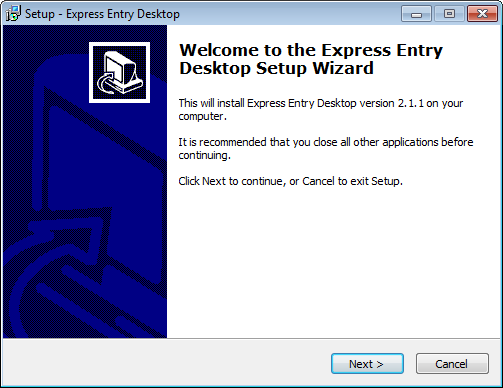
The license string may be inserted during the Setup process, or upon first use of the software.