 This wiki is no longer being updated as of December 10, 2025.
|
Contact Zone:Installation
| Contact Zone Navigation | |||||
|---|---|---|---|---|---|
| Introduction | |||||
| System Requirements | |||||
|
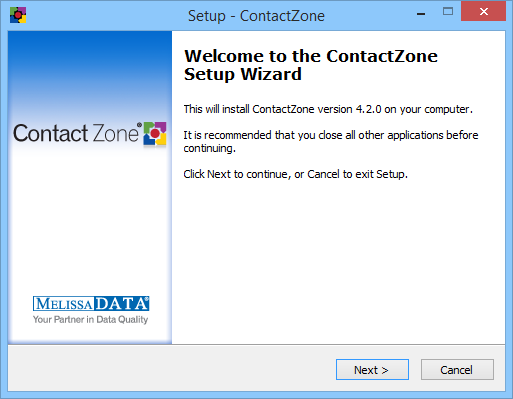
To install, simply place the installation disc into the DVD drive, run setup.exe on the root of the DVD, and follow the on-screen prompts.
The License Key may be inserted during the Setup process for all purchased components, or individually, upon first use of each component.
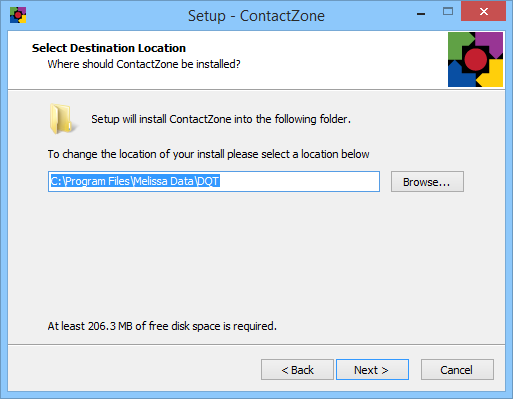
File Locations
Samples
- Windows Server 2008, Windows Vista, Windows 7, Windows 8
C:\Users\<User Name>\Documents\Melissa Data\Contact Zone\samples
- Windows Serve 2003, Windows XP
C:\Documents and Settings\<User>\My Documents\Melissa Data\Contact Zone\samples
Object Data Files
C:\Program Files\Melissa DATA\DQT\Data
Documentation, Executables, DLLs
C:\Program Files\Melissa DATA\DQT\ContactZone
MatchUp Data, MatchCode, etc. files
- Windows Server 2008, Windows Vista, Windows 7, Windows 8
C:\ProgramData\ContactZone\matchup
- Windows Serve 2003, Windows XP
C:\Documents and Settings\All Users\Application Data\ContactZone\matchup