This wiki is no longer being updated as of December 10, 2025.
|
Listware for Excel:SmartMover:PAF
← Listware for Excel Reference
| SmartMover NCOA Navigation | ||||||||
|---|---|---|---|---|---|---|---|---|
| ← Check and Verify | ||||||||
| Overview | ||||||||
| Tutorial | ||||||||
| PAF | ||||||||
| ||||||||
|
PAF
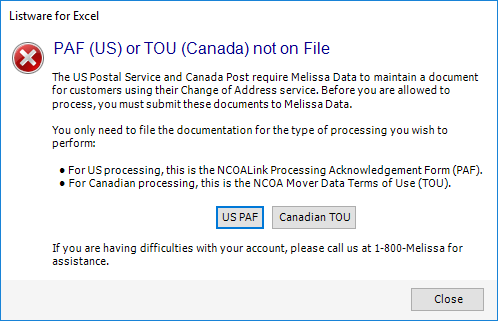
You must have a PAF on file with Melissa Data to use SmartMover NCOA.

If you see the "No PAFs on file (click for more information)" warning, you do not have a PAF on file. Please click the "click for more information" link and follow the prompts to set up your PAF. For more information, see PAF.